Cloud Infrastructure for Web Applications
AWS, Firebase, and Cloudflare setup for web applications — hosting, DNS, CDN, deployment pipelines, and serverless architecture for small businesses and startups.
Cloud Infrastructure for Web Applications
Most small web applications don't need dedicated servers. What they need is the right combination of managed cloud services — configured correctly from the start, not bolted together as the app scales.
I've deployed production applications on AWS, Firebase, and Cloudflare. I know what each platform is good at, what it's not, and what things cost at different scales. That last part matters: it's easy to design a cloud architecture that works well but costs 10x what it needs to.
AWS, Firebase, and Cloudflare Services
AWS (Amazon Web Services)
For applications that need fine-grained control, I work with:
- Lambda — serverless functions for API endpoints, scheduled tasks, and event processing. Pay per execution, no idle server cost.
- S3 + CloudFront — static site hosting and asset delivery with a global CDN. I've deployed production sites this way.
- API Gateway — managed HTTP API layer in front of Lambda functions
- DynamoDB — serverless NoSQL database for high-throughput applications
- Amplify — managed deployment pipeline for Next.js and React apps when you want CI/CD without the configuration overhead
- Route 53 — DNS management and health-check routing
Firebase (Google Cloud)
For applications that need real-time data sync and authentication without managing infrastructure:
- Firestore — real-time NoSQL database with offline support and strong client-side SDKs
- Firebase Auth — authentication with email/password, Google, and other OAuth providers built in
- Cloud Functions — serverless backend logic that responds to Firestore events, auth triggers, and HTTP requests
- Firebase Hosting — fast static hosting with automatic SSL
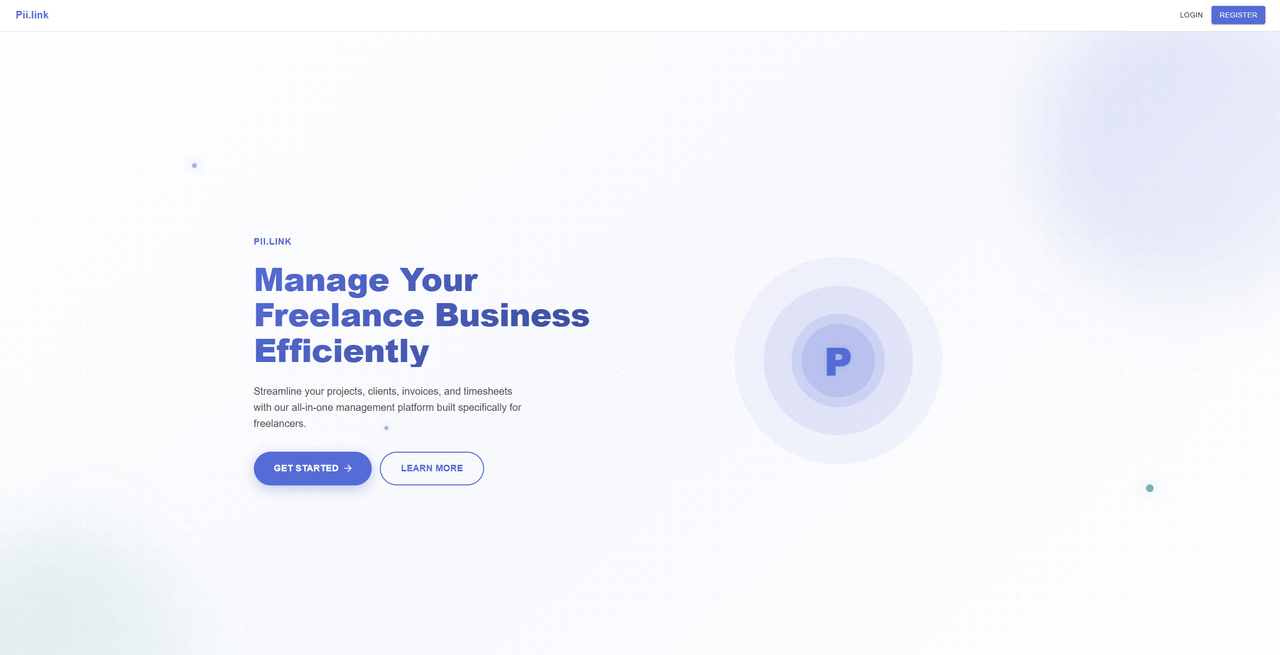
PII.link (my time-tracking application, open for beta) is built on Firebase. I chose it for the offline-first capability and the real-time sync between sessions.
Cloudflare
For DNS, security, and edge computing:
- Cloudflare Pages — deployment platform for static sites and Next.js with edge functions
- Cloudflare Workers — serverless compute at the edge, closer to users than a regional AWS Lambda
- DNS and proxying — DDoS protection, SSL termination, and traffic routing
- R2 — S3-compatible object storage without egress fees
This site runs on Cloudflare Pages.
For ongoing site hosting and care — rather than application infrastructure — see Hosting & Maintenance.
What a Cloud Infrastructure Engagement Looks Like
Most engagements, for startups in Northern Virginia and DC and remote teams alike, are one of three types:
New application setup — choosing the right services, configuring the environment, setting up deployment pipelines, and documenting the architecture. I deliver a working infrastructure that you own and understand.
Existing infrastructure audit — reviewing what you currently have for security gaps, cost inefficiencies, and reliability risks. Common findings: IAM permissions that are too broad, resources running in the wrong region, no backup configuration, missing alarms on key metrics.
Deployment and DevOps — setting up CI/CD pipelines, staging environments, environment variable management, and monitoring. If deploying your app requires SSH-ing into a server and running scripts manually, this is the engagement.
When Cloud Infrastructure Is (and Isn't) the Right Priority
If your application isn't built yet, don't spend too much time optimizing infrastructure. Get the application working first. I can set up a production environment that handles reasonable load quickly, and you can optimize later when you know where the bottlenecks actually are.
If you have a working application that's getting real traffic, it's worth reviewing the infrastructure before problems show up. The most expensive cloud problems are the ones you discover after they've been running for three months.
Let's talk about your infrastructure.
No sales pitch. Tell me what you're building and I'll tell you whether I'm the right fit.
Or call (804) 223-0822